Who is Assigned Work and Task Tracking Software for?
It is for teams that need to organize my tasks records with ownership, due dates, files, reminders, reports, and traceable history instead of relying on scattered spreadsheets or inboxes.

Give users a clear view of assigned certificates, orientations, forms, incident actions, equipment work, project tasks, approvals, and follow-up items from connected modules.
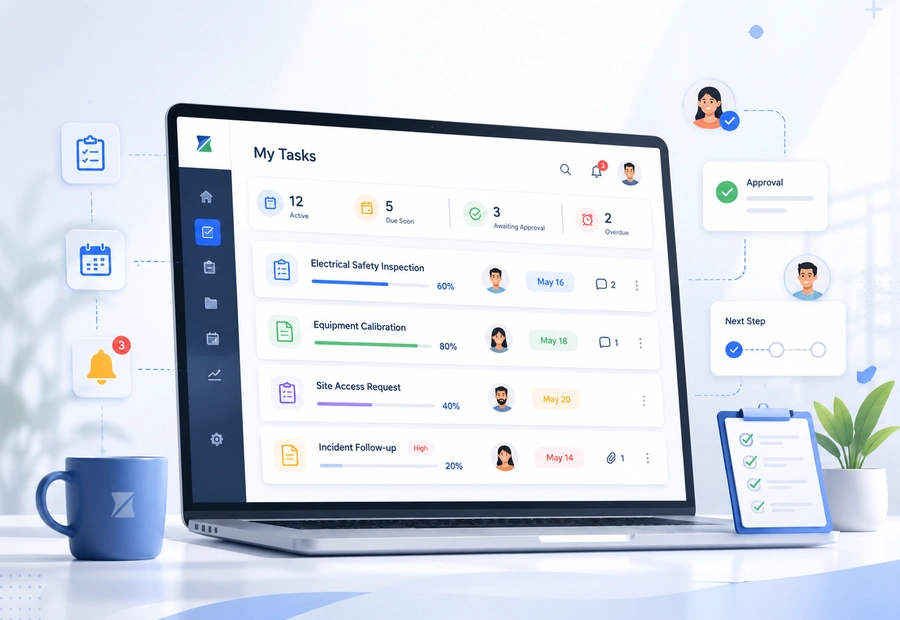
ZoTracker keeps the workflow practical for admins, supervisors, employees, contractors, project teams, operations teams, and any organization that needs traceable records.
Bring assigned work from multiple modules into user-facing task views.
Keep due dates, completion status, review states, and action links easier to find.
Help supervisors and users act on the right record instead of searching through modules.
Support both safety and broader operations workflows where work needs ownership.
My Tasks work becomes easier when the record has an owner, status, files, due dates, reminders, and reports instead of sitting in a disconnected spreadsheet or folder.
A module assigns a requirement, task, review, action, or approval to a user.
The user sees the work through their task area or module workspace.
Employee certificate assignments, contractor orientation work, form submissions, incident corrective actions, equipment inspections, project tasks, approvals, and support follow-up.
Use dashboards, reports, exports, and related module history to review what is current, missing, overdue, or ready for audit.
Give users a clear view of assigned certificates, orientations, forms, incident actions, equipment work, project tasks, approvals, and follow-up items from connected modules.
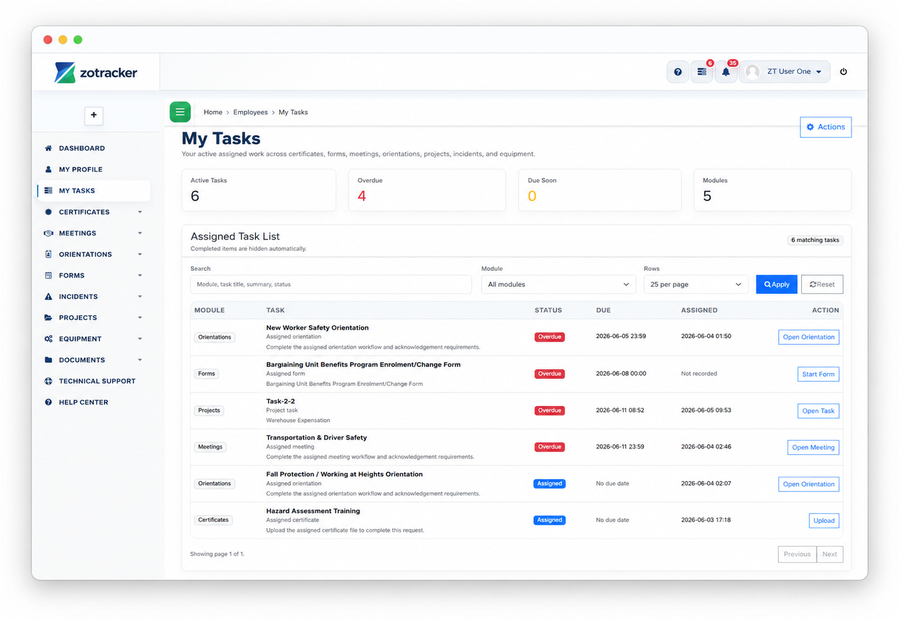
Use this workflow alongside Certificates, Orientations, Forms, Incidents, Projects, and reporting so your team can see the full context.
Use these answers to understand product fit, setup expectations, and how this ZoTracker workflow supports day-to-day work.
It is for teams that need to organize my tasks records with ownership, due dates, files, reminders, reports, and traceable history instead of relying on scattered spreadsheets or inboxes.
Yes. ZoTracker is designed so related records can connect across people, contractors, customers, projects, equipment, documents, tasks, reminders, and reports where those workflows apply.
Yes. Basic Free gives small teams a permanent starter workspace for real records. Teams can upgrade later when they need more capacity, storage, reporting, or rollout support.
Use these pages to compare options, understand the workflow, and start with the permanent Basic Free plan.
Use real records first, then upgrade when your team needs more capacity, reporting, storage, or rollout support.