Who is Built-In Support Ticketing for?
It is for teams that need to organize technical support records with ownership, due dates, files, reminders, reports, and traceable history instead of relying on scattered spreadsheets or inboxes.

Submit support tickets from inside ZoTracker, continue conversations, attach evidence, and keep support history organized.
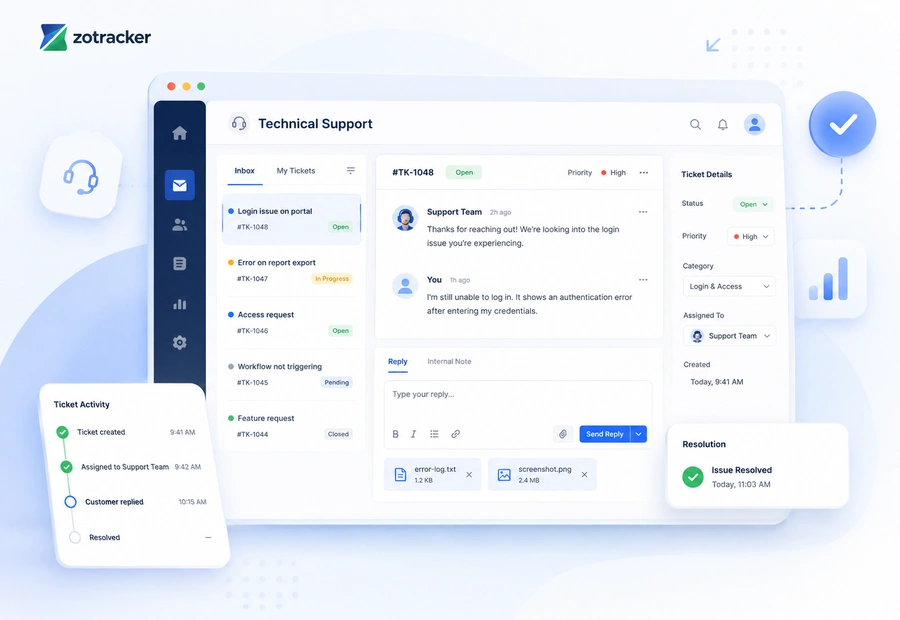
ZoTracker keeps the workflow practical for admins, supervisors, employees, contractors, project teams, operations teams, and any organization that needs traceable records.
Submit support requests from the portal.
Reply to open tickets with files and notes.
Keep support history visible to authorized users.
Use support context to resolve setup or workflow questions faster.
Technical Support work becomes easier when the record has an owner, status, files, due dates, reminders, and reports instead of sitting in a disconnected spreadsheet or folder.
Create a support ticket with a clear description.
Attach screenshots, files, or workflow evidence.
Implementation questions, bug reports, workflow help, and feature requests.
Use dashboards, reports, exports, and related module history to review what is current, missing, overdue, or ready for audit.
Submit support tickets from inside ZoTracker, continue conversations, attach evidence, and keep support history organized.
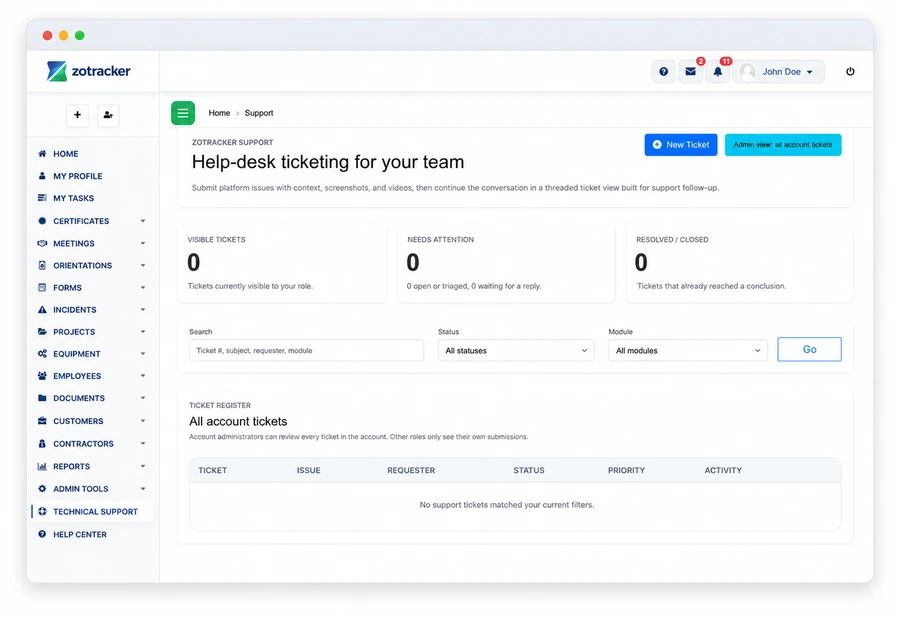
Use this workflow alongside Certificates, Orientations, Forms, Incidents, Projects, and reporting so your team can see the full context.
Use these answers to understand product fit, setup expectations, and how this ZoTracker workflow supports day-to-day work.
It is for teams that need to organize technical support records with ownership, due dates, files, reminders, reports, and traceable history instead of relying on scattered spreadsheets or inboxes.
Yes. ZoTracker is designed so related records can connect across people, contractors, customers, projects, equipment, documents, tasks, reminders, and reports where those workflows apply.
Yes. Basic Free gives small teams a permanent starter workspace for real records. Teams can upgrade later when they need more capacity, storage, reporting, or rollout support.
Use these pages to compare options, understand the workflow, and start with the permanent Basic Free plan.
Use real records first, then upgrade when your team needs more capacity, reporting, storage, or rollout support.