Employees: add and find an employee
Learn how to add an employee, send a password setup link and find their profile and linked records.
Watch video
Explore the platform or learn one practical task at a time. Choose a quick beginner guide or a complete workflow walkthrough.
Learn how to add an employee, send a password setup link and find their profile and linked records.
Watch videoFollow employee onboarding, profiles, tasks, linked records, ID and QR tools, access changes and recovery.
Watch videoA complete guide to organizing, sharing and maintaining your document library.
Watch videoLearn how to find, preview and download the documents shared with you.
Watch videoSee how your team uploads, assigns, reviews, renews and shares certificate evidence.
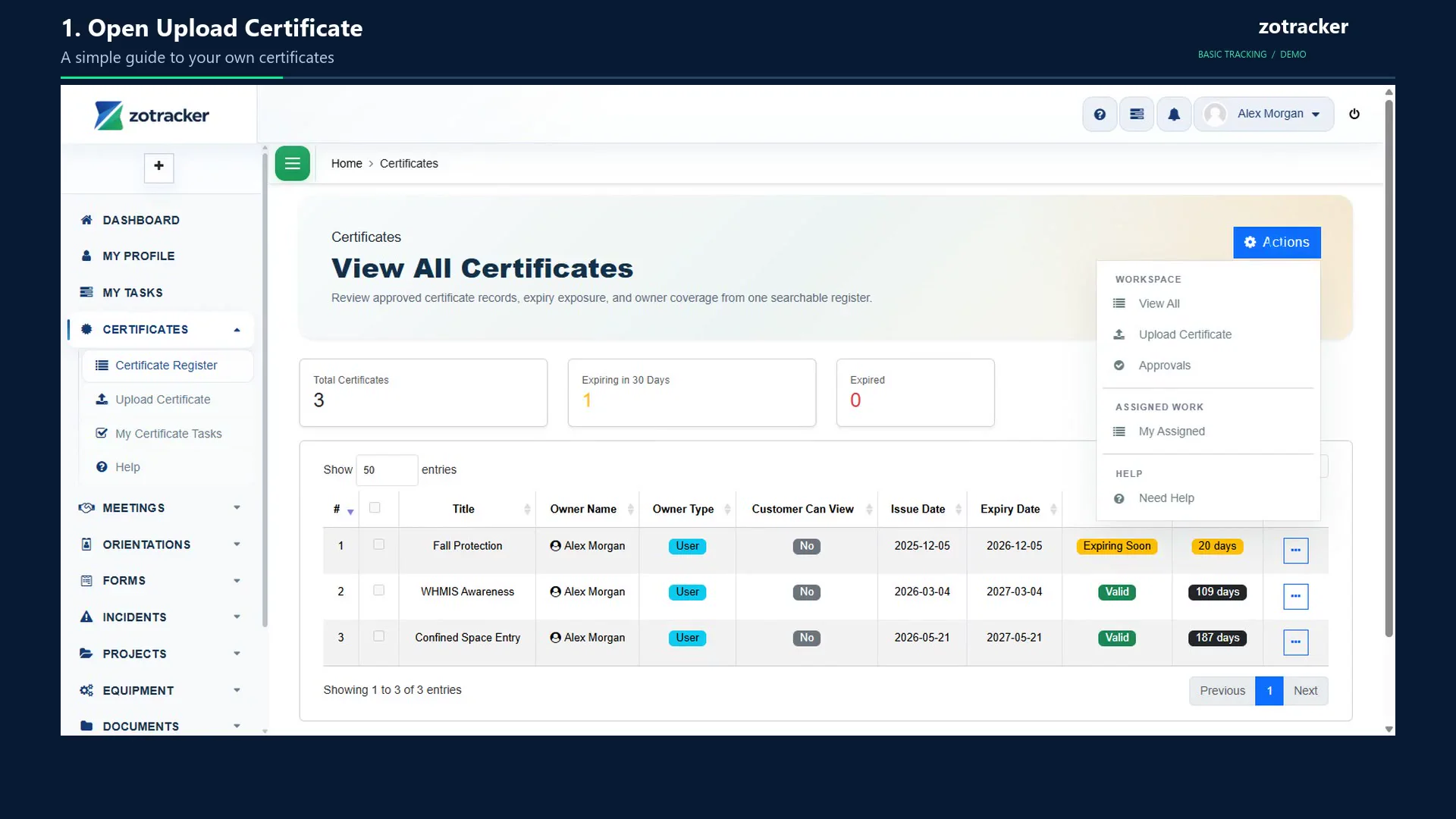
Watch videoA simple employee guide: attach your certificate, enter its dates, check approval and find the record later.
Watch videoDiscover how ZoTracker connects people, projects, qualifications and everyday operations to help organizations coordinate responsibilities, maintain records and follow up on work.
Watch videoFollow a fictional facilities-services team through connected projects, onboarding, certificates, meetings, forms, equipment, incident follow-up and reporting. Includes changing the account timezone.
Watch video